Interactive video for internal communications Internal communications

Forty slides nobody opens, or 2 minutes everyone watches?

Drop in your content, the video is generated in one second, personalized by team, site and language.Everyone picks what concerns them,and you measure all of it.

Deployable inside your own infrastructure. Your sensitive content never leaves.

  • Microsoft 365
  • Teams
  • SharePoint
  • Copilot
  • SSO
  • Power BI

Interactive preview

Switch audience. The video changes with it.

Same message, different effect

Forty slides... 12 seconds of attention.

With a deck, everyone gets the same thing and you learn nothing. With a video, everyone opens what concerns them, and you see it.

01
Newsletter or PowerPoint

You broadcast, then it goes dark.

From:
Communications department
To:
All employees
Subject:
2027 strategic plan

Please find attached the strategic plan presentation. Enjoy the read, everyone.

40
2027_strategic_plan.pdf40 pages · 18.6 MB
  • ×34% open rate
  • ×Reads unknown
  • ×Comprehension unknown
02
With Pulp’in

Everyone opens what concerns them.

Live
RS
Rennes siteFrontline teams watch the impact on their job function.

What the plan changes for your site, and the timeline for the next three months.

My jobThe timelineMy questions
Every screen opened and every question asked comes back to you, by audience.
  • Top screen · Job impact
  • Drop-off · Org chart
  • Questions · 240 received
What they open, you measure Every screen feeds the dashboard

One version per audience

Two job functions. Two journeys.

A production team leader and a manager at headquarters do not have the same questions. So they do not see the same content.

Employee preview Personalized journey · Rennes site
RS Strategic announcement
2 minutes

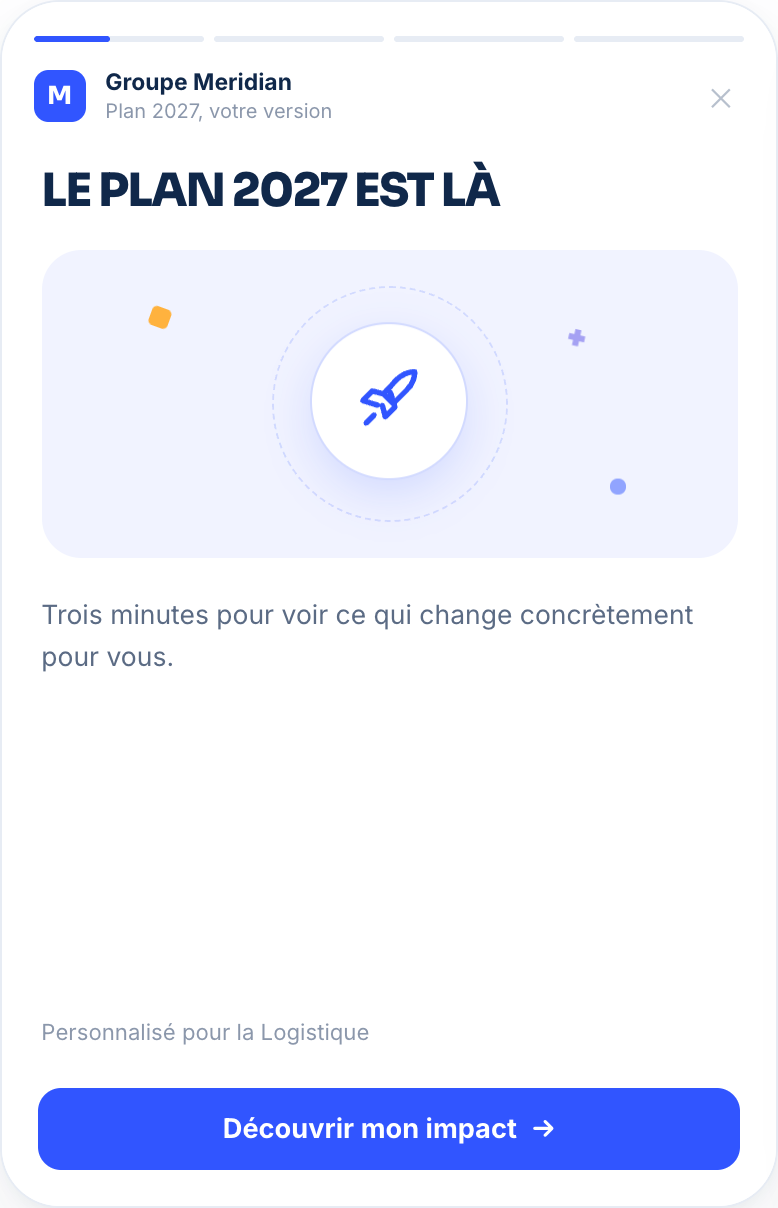
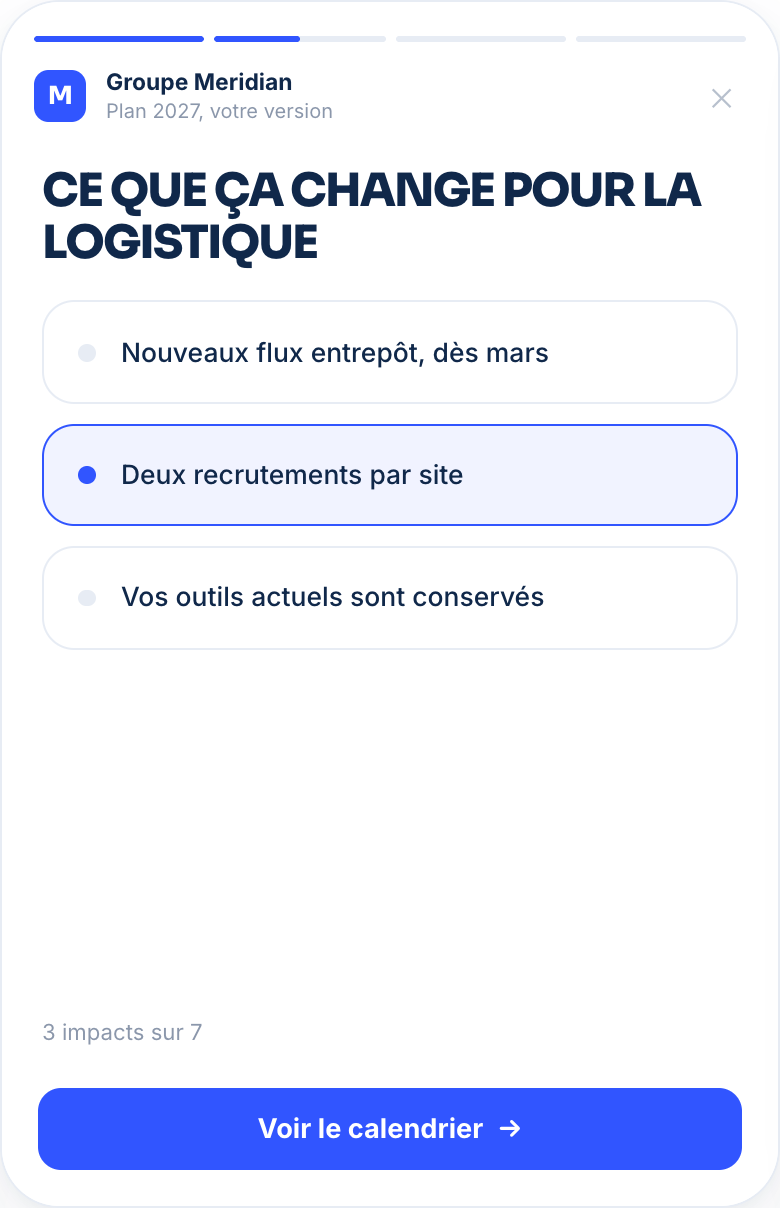
What the plan changes for your site.

Three angles. They open the one that concerns them.

Live signal What Rennes site is watching
  1. Most opened screenImpact on my job
  2. Drop-offOrg chart
  3. Most asked questionWhat about the night shifts?

Every choice becomes an actionable signal for your next communication.

In three steps

You drop in your content. The video is generated.

No video skills required. Your team prepares the message as usual, Pulp’in does the rest.

  1. 01

    Drop in your content

    Memo, deck or brief. You drop it in, the video is generated in one second.

    Memo · Deck · Brief
  2. 02

    Choose your audiences

    One version per site, job function, role and language, from your directory. With no extra work.

    Site · Job function · Role · Language
  3. 03

    Broadcast and measure

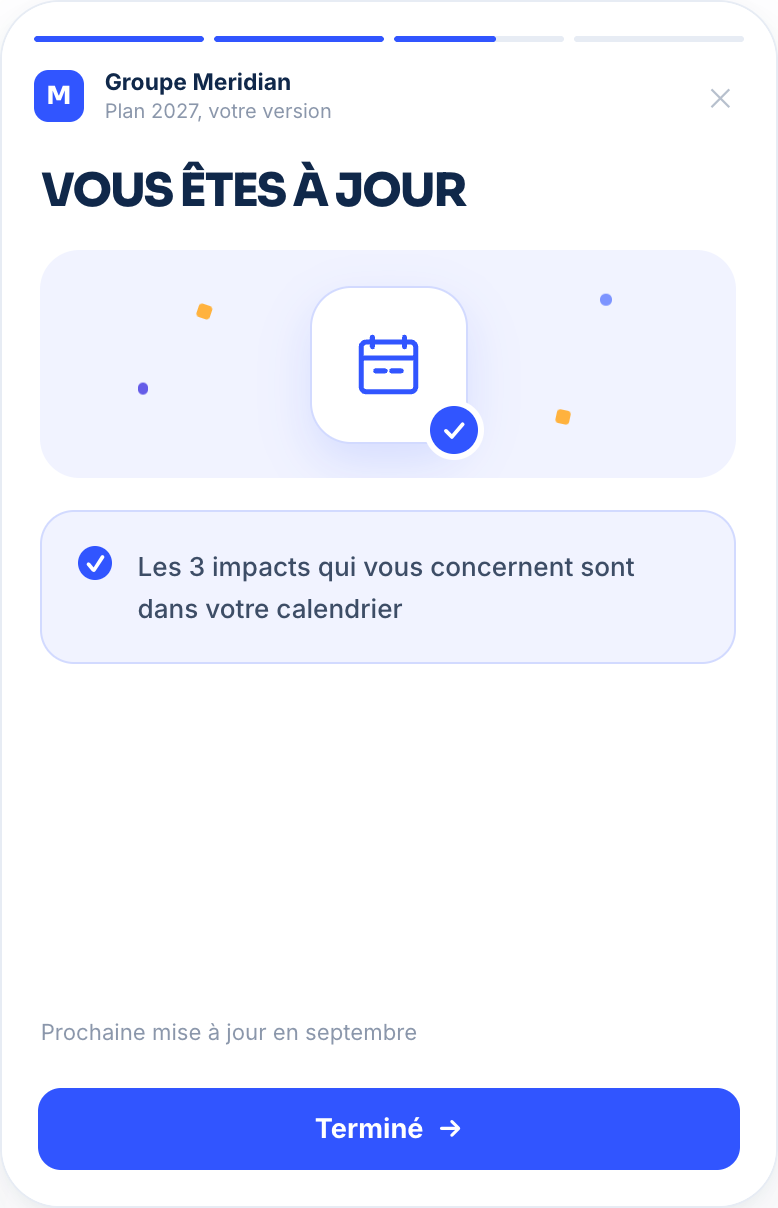
    In Teams, Outlook or by QR code for those without a workstation. Then you see what lands.

    Teams · Outlook · QR code

After the broadcast

You finally measure employee engagement.

Which screen holds attention, where people drop off, which questions remain.By audience, never by person.

Campaign analyzed 2027 strategic plan campaign
4,200 employees targeted 12 sites · 4 languages · 3 audiences
Live
01
They watch

What each person does in the video

  1. Most opened screenImpact on my job
  2. Drop-off pointOrg chart
  3. Most asked questionWhat about the night shifts?
02
You understand

What those journeys reveal

  • CompletionTracked by site
  • Gap between audiencesFrontline and headquarters compared
  • Remaining questionsGrouped by theme
  • To follow upAudiences barely reached
03
You act

To fix before the next one

A third of frontline teams leave the video at the org chart screen. The rest is completed.

Create a short frontline version

And in the end, concretely

  • You cut the screen that makes people drop off.
  • You answer the recurring questions, before they start circulating in the hallways.
  • You follow up with the audiences that were not reached.
  • You bring something other than an open rate to the executive committee.

Twelve ready-made trames

One trame for each moment in your calendar.

A trame is a campaign scenario. You drop in your content, and each audience’s version is generated.

Leadership

Strategic announcement

The forty-slide deck becomes a journey where everyone sees what the plan changes for their job function.

What you learn Screens viewed and remaining questions

For your IT and legal departments

Your sensitive content never leaves your infrastructure.

Reorganization, results, transformation plan: this is exactly the content that must not go through a public cloud.

Deployed on your side

Private cloud or on-premise. Your content, your employees and your metrics stay within your perimeter.

Measured by audience

Results are aggregated by site, job function and role. Never any named tracking of an employee, except for the topics where it is necessary.

Plugged into your directory

SSO and HR directory. No parallel database to create, no extra account to manage.

On your side

One campaign, one audience, one number.

You test on a real communication, you compare it with the previous one before rolling it out.

Try for free

Pricing

Internal communications pricing

Custom

Quote-based pricing Excluding tax

Your constraints, our foundation

  • Unlimited views
  • Dedicated brand URL
  • Dedicated or on-premise hosting
  • A trame developed for you

Microsoft 365, Teams, Outlook, or your intranet, through a connector or API. A view is a video opened by one recipient, not a send.

Frequently asked questions

What your committee will ask.

Pulp’in adds to your distribution channels. It replaces neither your intranet nor your email.

No. Results are aggregated by site, job function and role. You see what lands and what loses people, never who watched what.

No. You keep Teams, Outlook, SharePoint or your intranet. Pulp’in transforms the content you already produce.

No. You drop in your memo or your deck, the video is generated. No shoot, no editing, no agency.

Yes. Private cloud or on-premise, inside your infrastructure. Your sensitive content does not pass through a public cloud.

The video opens via a QR code posted on site, via a link shared in a team meeting or in Teams. No fixed workstation needed.

Every employee gets their version in their own language, based on the language already present in your directory.

One second to generate, once the content is uploaded. Your team prepares the message as usual.

No mandatory form, no named measurement published. The data stays on your side and you keep control of your notices and your retention policy.